Ecommerce category pages are essential for directing customers to the appropriate products, helping them navigate the site, and even encouraging them to check out items that aren’t on their shopping list.
Elements that cannot be missing.
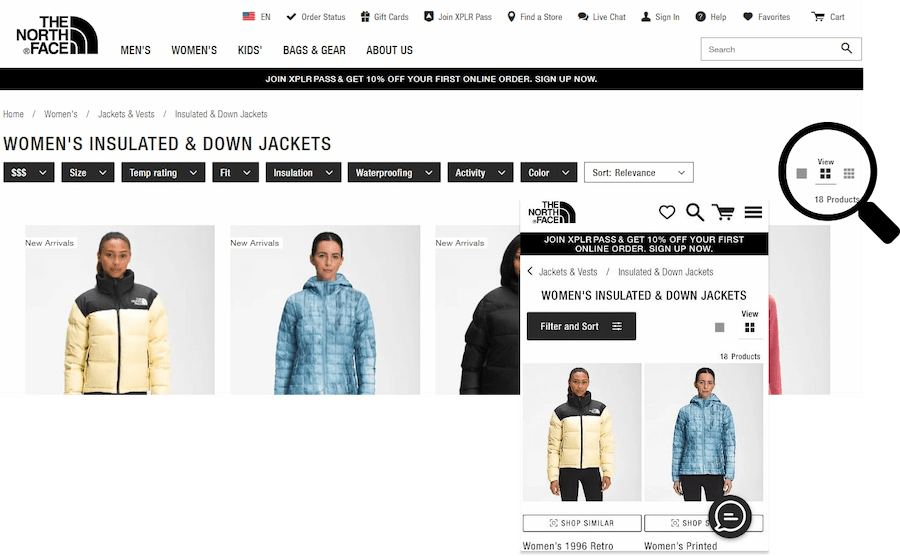
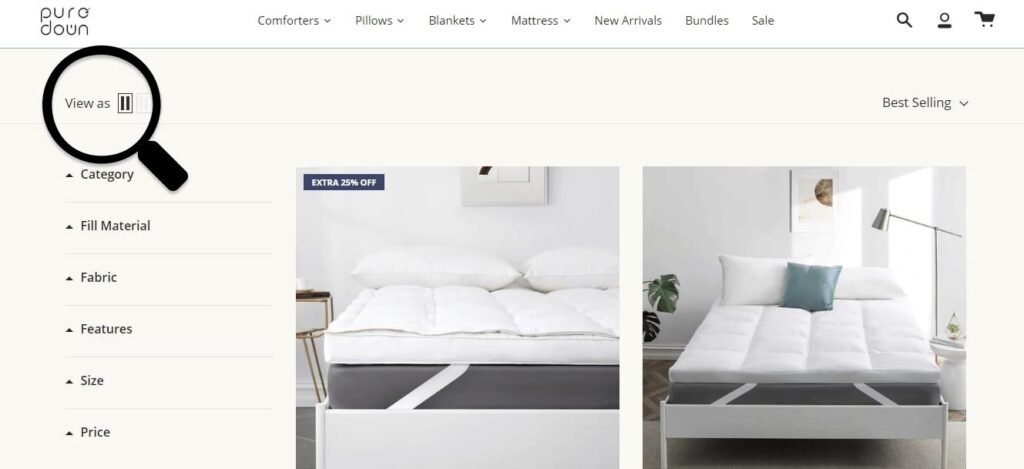
Grid or list view?
Number or products in a list
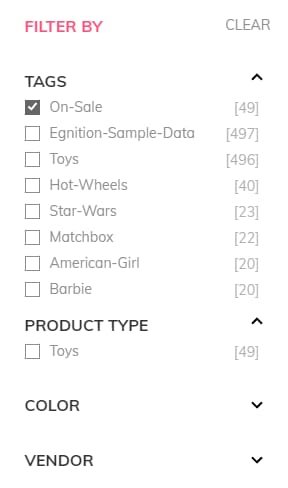
Filters
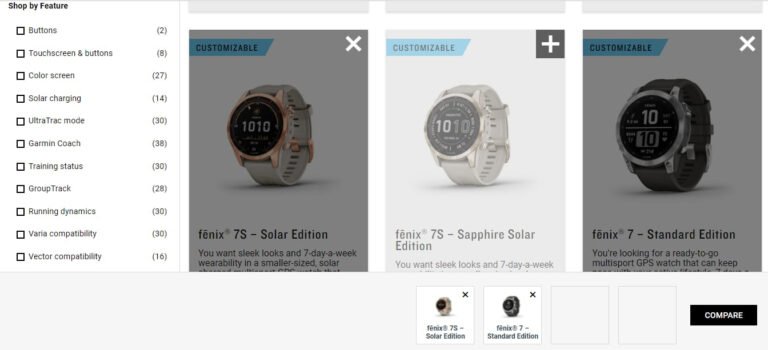
Product comparison tools
Grid or list view?
Grid view allows product images to be the center of attention and facilitates efficient browsing behaviors. Use list view for spec-driven products.
Grid view allows product images to be the center of attention and facilitates efficient browsing behaviors.
Filtering is about empowering users to take a large, generic product listing and narrow it down to a small, manageable selection of products that are uniquely tailored to their needs and interests.