Anatomy of FORMS.

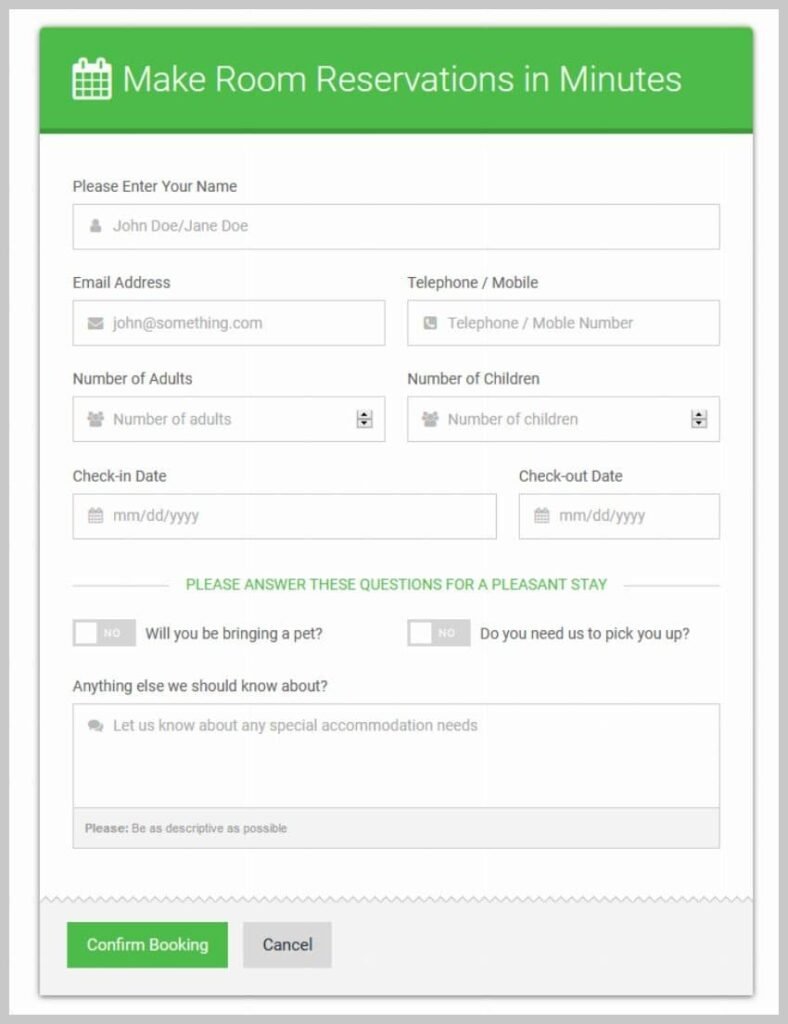
Issues to consider when you are creating a FORM

Like any online application, an e-booking system should make the user’s experience as pleasant and as painless as possible. Make it as easy as possible for users to identify and select their preferred date and time.

What elements would you need?

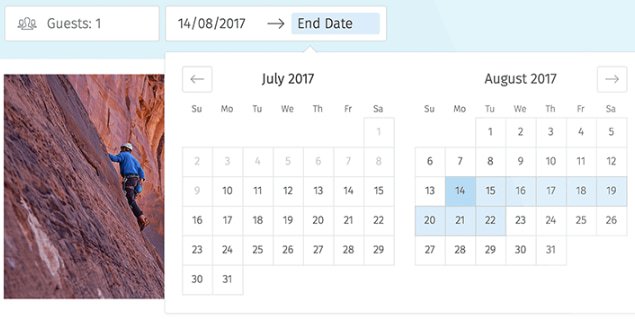
Visual calendar

The booking form should enable your guests to check availability and book directly for the desired period, presenting them with a nice and visual calendar.

Your customers will be able to see all the available dates directly.

Single step or Multi-Step Form?

Use a single step form if:

  •  You don’t have many fields (2-5)
  •  You only need one type of information from the user.
  •  You want the user to have complete transparency from the start on what you will be asking them.
 

Use a single step form if:

  •  You don’t have many fields (2-5)
  •  You only need one type of information from the user.
  •  You want the user to have complete transparency from the start on what you will be asking them.

Use a multi-step form when:

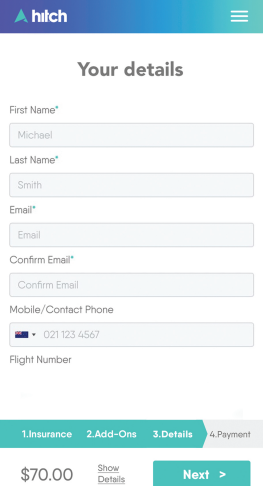
  • The form is reasonably “long” (6+ fields)
  • The user expects to part with a reasonable amount of information and is motivated enough to complete multiple stages
  • You can easily group your questions into similar topic clusters

Benefits statements should attach directly to the pain.

Progress bar

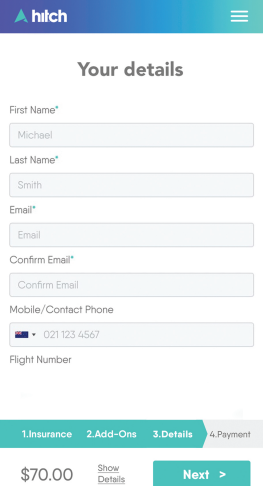
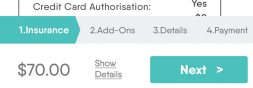
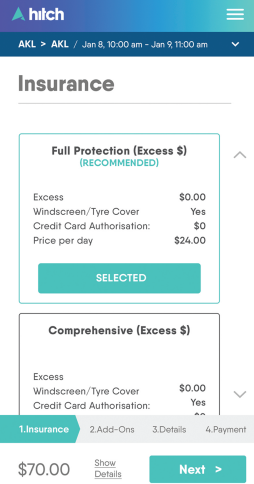
Use Progress Bar. Users want to have a good idea about what’s going on and what will happen next.

Allow the user to move back and forth between steps.

Required information

Don´t ask for information unless you truly need it. If you must ask, make sure you tell them the reason why.

Remove distraction

Remove distraction. A form only function is to be completed, don’t give people an easy way out.

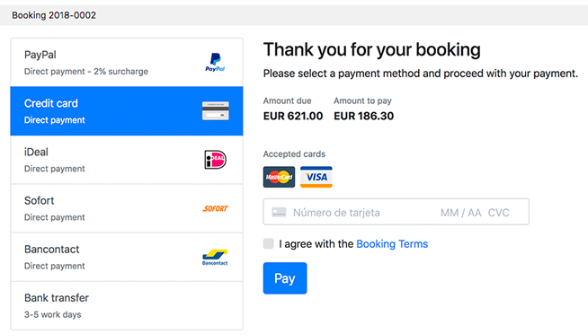
Multiple payment options

Confirmation email

A detailed confirmation email. This gives the customer certainty that the booking has actually gone through.

Label

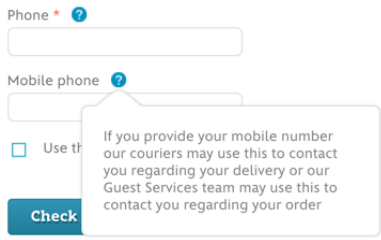
  • Use help text when asking for complex or sensitive data.
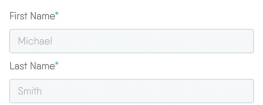
  • Make clear which fields are required (usually an *).
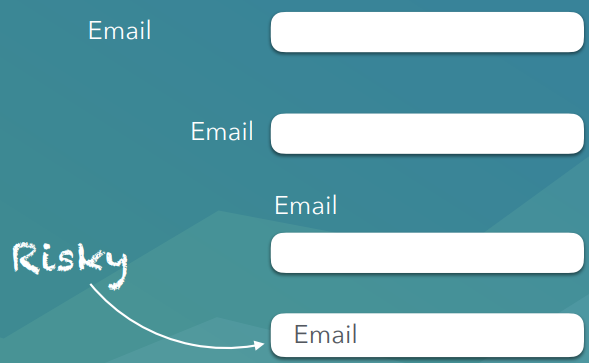
  • Don’t stress about field alignment, but always go top aligned for mobile.